Built for growing teams of 50–200

The simplest way to run OKRs across a growing team

As you grow past 50 people, it gets harder to see what everyone's working on. OKRs Tool keeps goals, progress, and priorities aligned in one place. Built for operators — live in an afternoon, and unlike other tools, no per-user pricing.

OKRs Tool — company, department and team OKRs connected
How teams make it stick

Three steps, and it holds.

1

Set real goals in minutes

A real cycle with objectives and key results — not a toy. No consultant, no setup call.

2 minaverage signup to first OKR
2

Build the check-in habit

A weekly rhythm that keeps goals moving and visible, instead of forgotten by week three.

21,000+weekly check-ins logged
3

Roll out when ready

Start with yourself or your leadership team, then invite everyone once it's working.

350+teams run OKRs every week
Where OKRs usually break

OKRs break in the same five places. Here's what catches each one.

Whether it's your first rollout or your fifth, the failure points are the same. Click through each and see what keeps it on track as you grow.

Where alignment usually slips.Break point 1 · Alignment

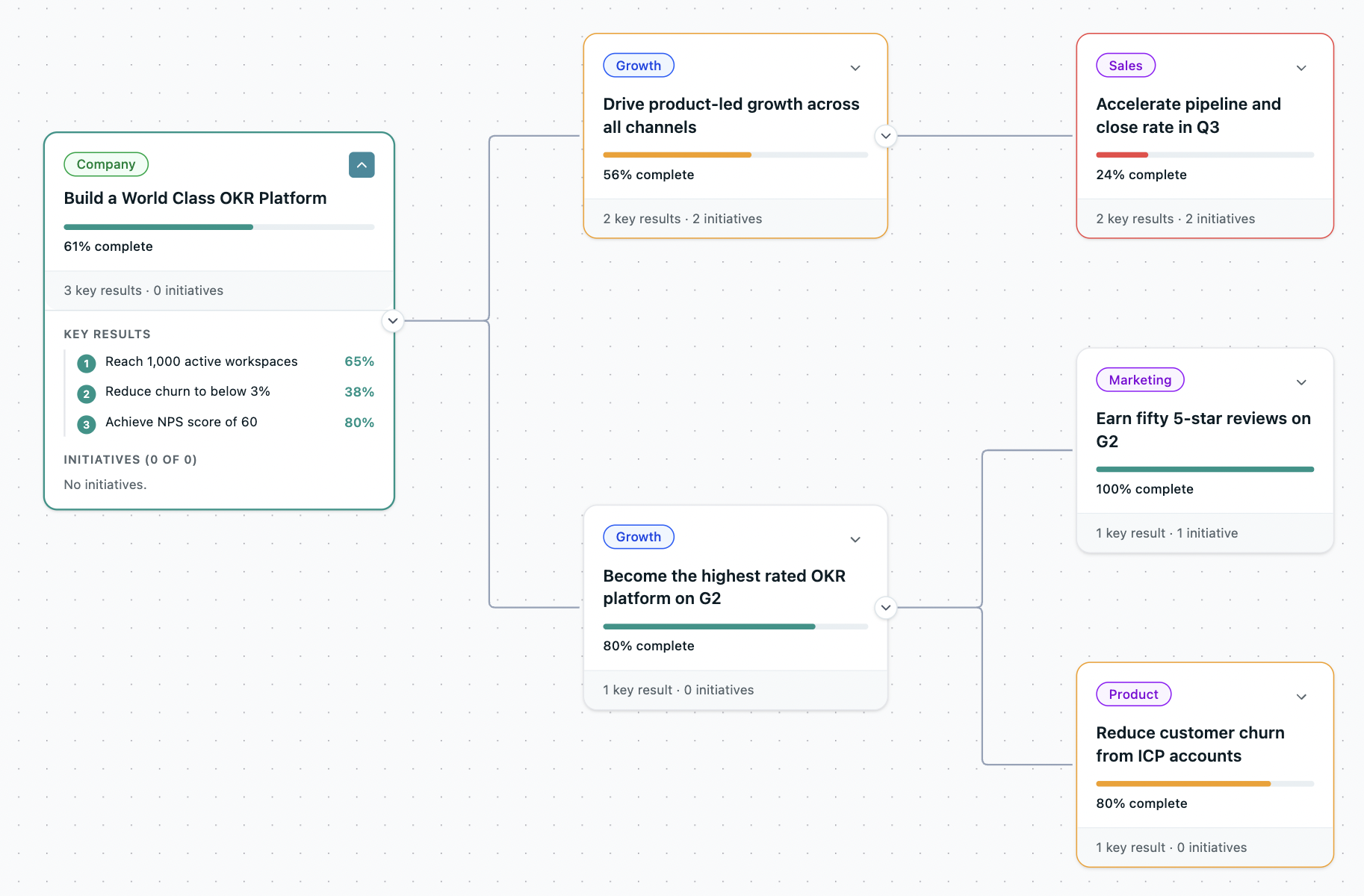
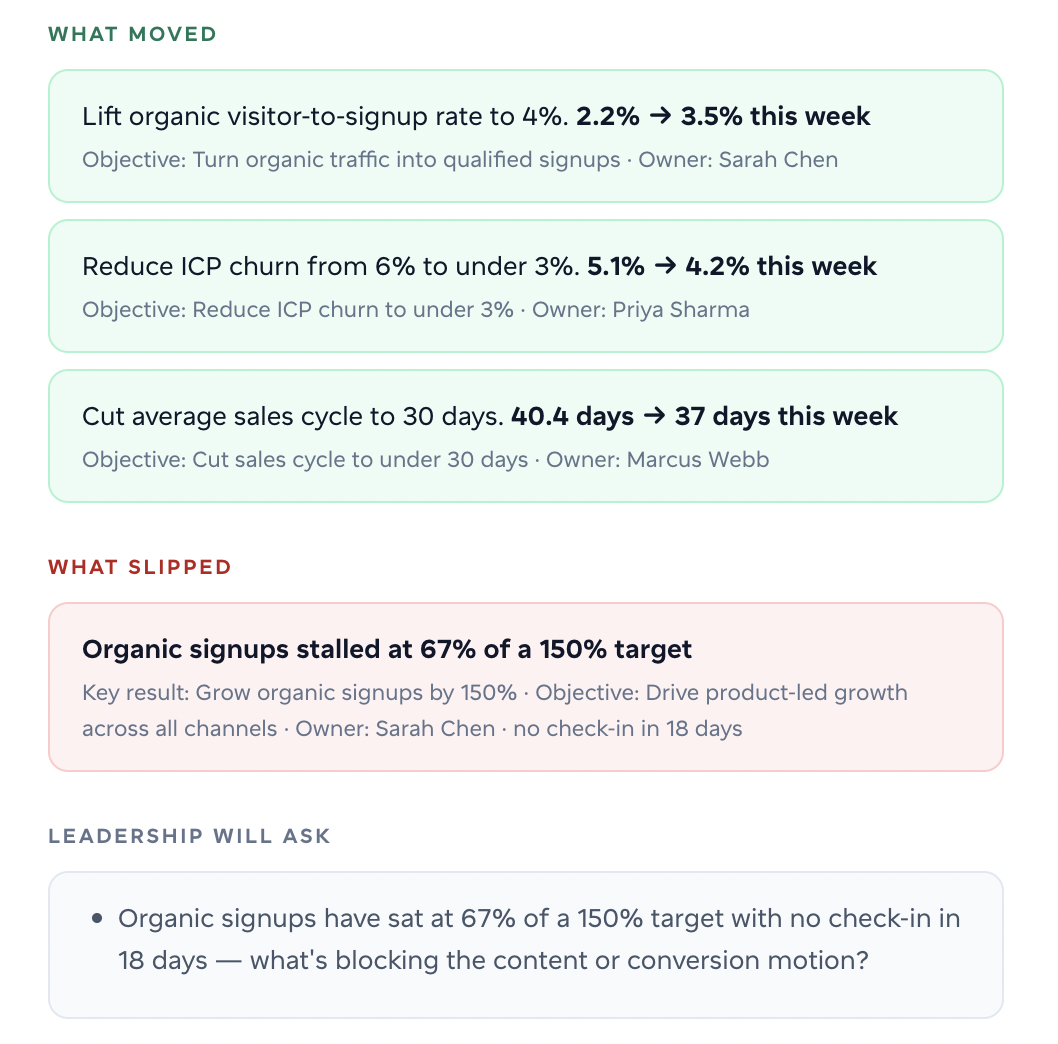
Set the company objective first, then cascade departments and teams beneath it — one connected hierarchy, not scattered tabs. 65% of teams admit their OKRs aren't tied to company goals — that's where drift starts.

Nested OKRs
Shared ownership is where goals quietly die.Break point 2 · Ownership

Every Key Result gets exactly one owner — no shared accountability, no goals that quietly slip. Teams that assign one owner see 26% higher completion.

Assigning owner
Week three is when most OKRs go quiet.Break point 3 · Engagement

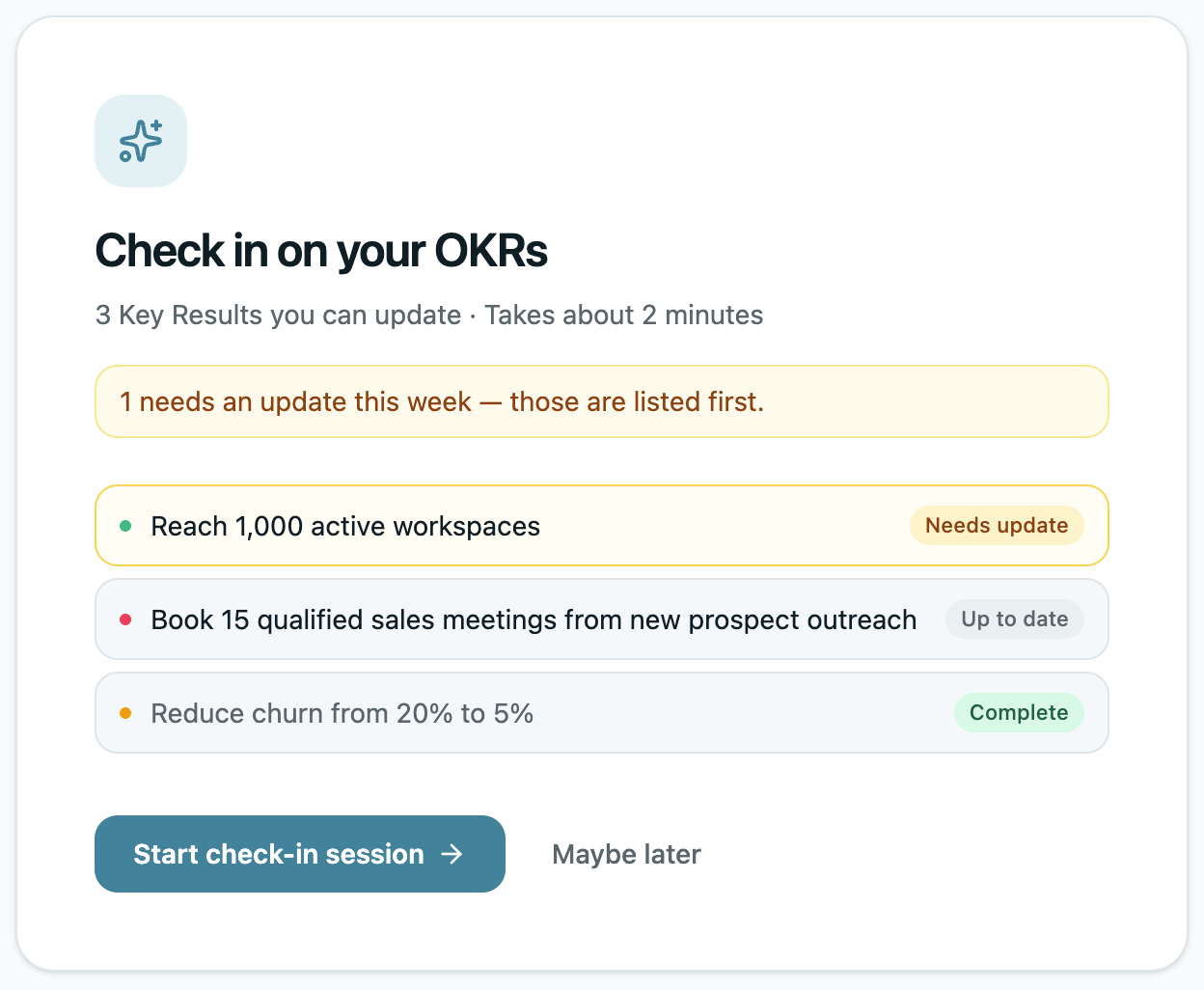
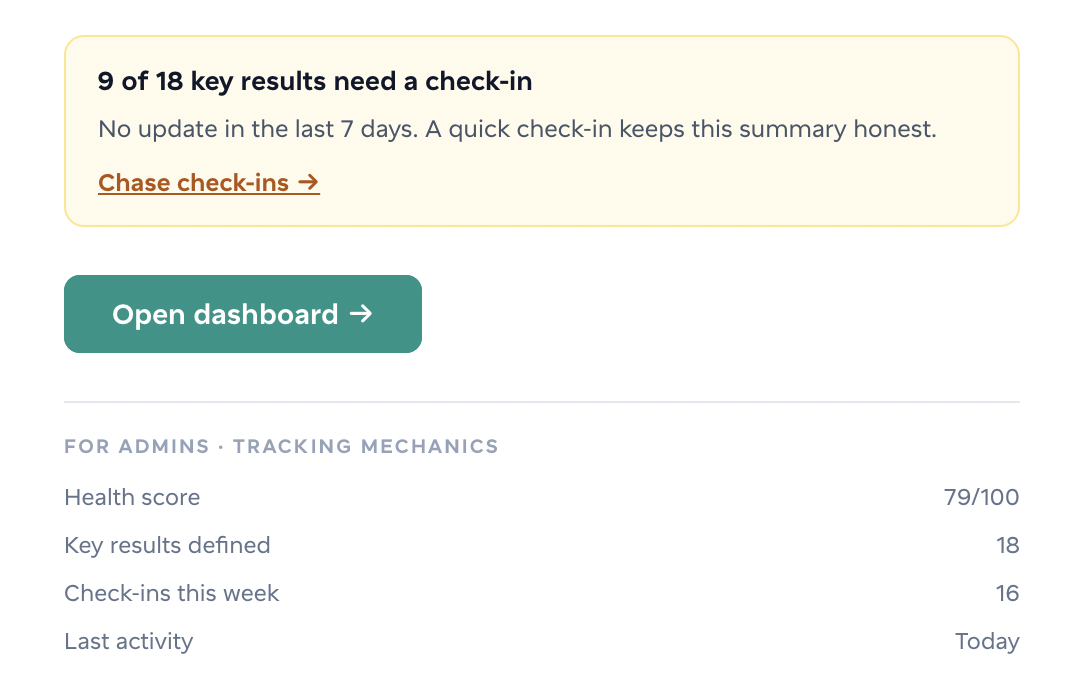
A weekly nudge — in-app, email, Teams or Slack — prompts each owner to update their own numbers, so the check-in is never forgotten and goals stay current instead of going stale by week three. Teams that check in weekly are 43% more likely to hit their goals.

Weekly nudge
Most teams find out too late.Break point 4 · Visibility

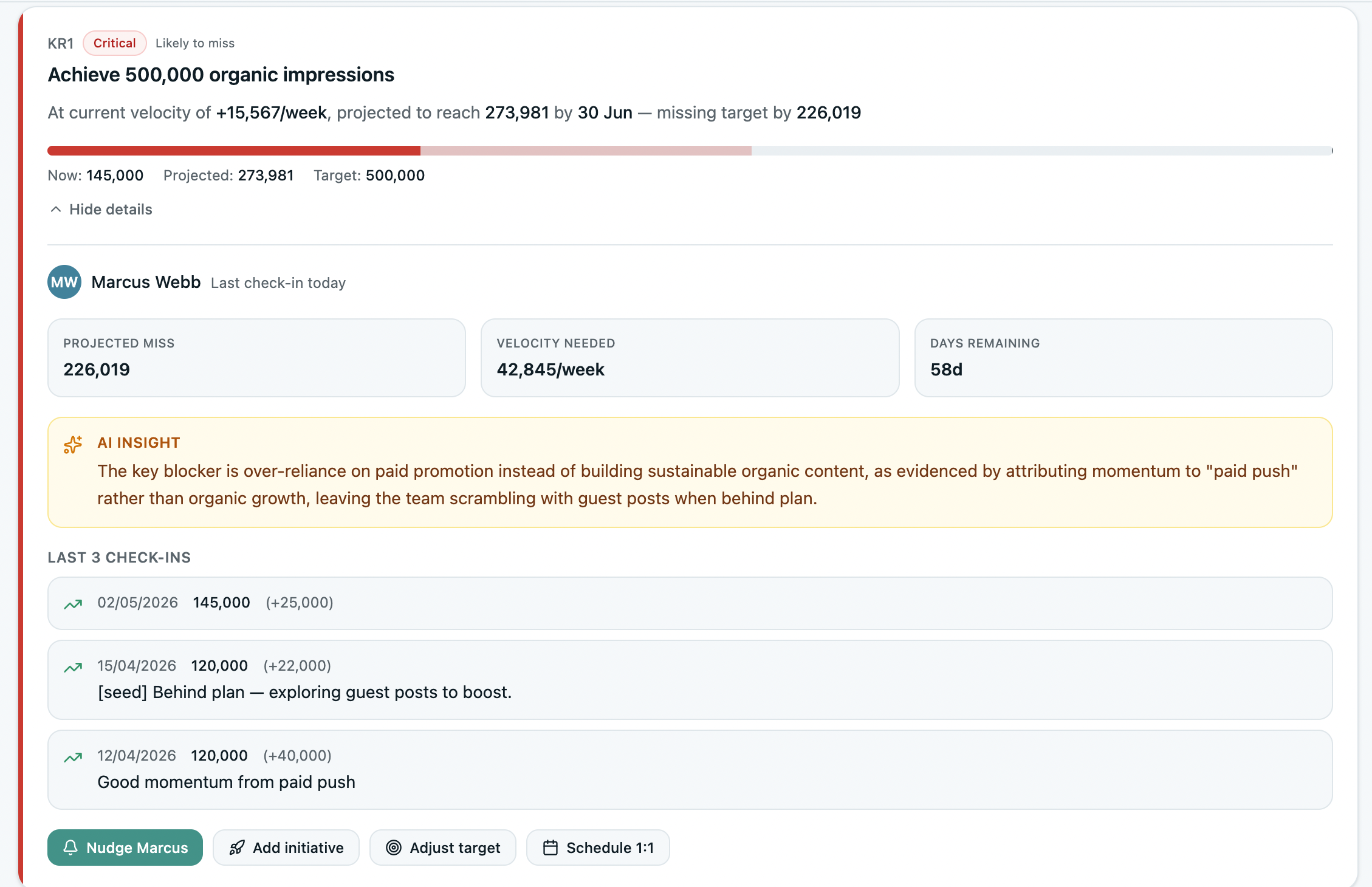
An OKR that fails at quarter-end started slipping weeks earlier. Only 49% of leaders review weekly; the rest catch problems when the cycle's already gone. OKRs Tool flags what's slipping early, every week.

At-risk OKRs flagged early
Cycle two is where most rollouts stop.Break point 5 · Survival

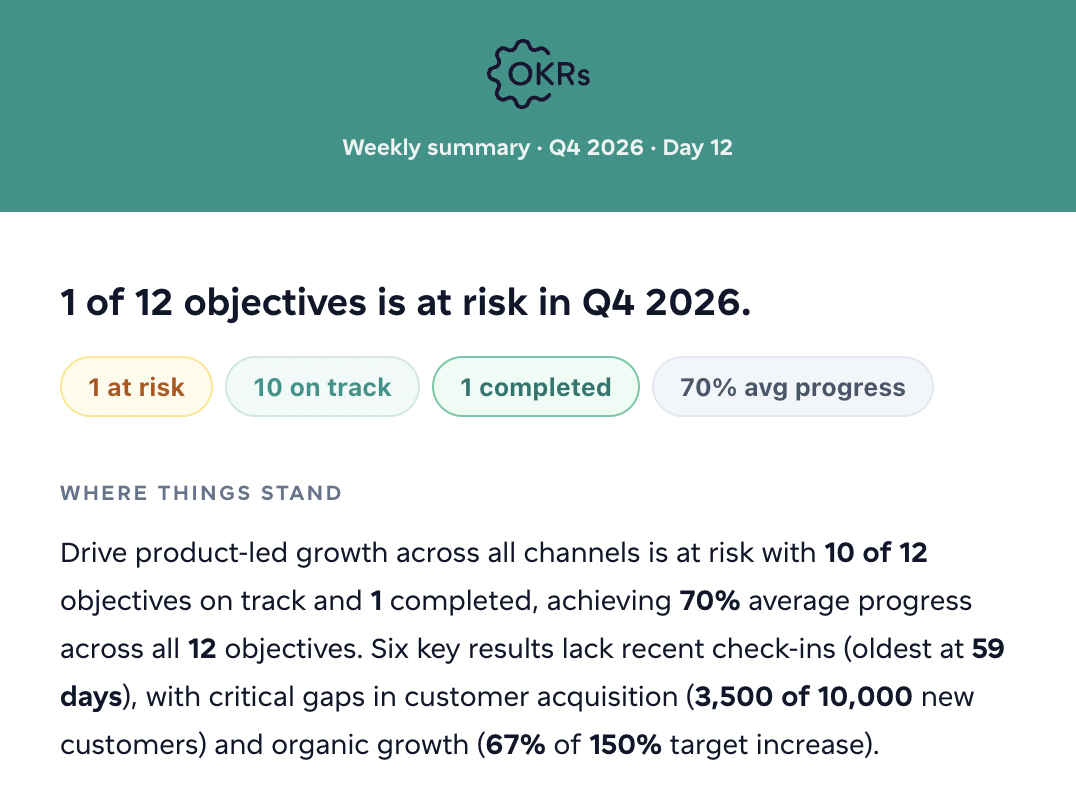
Close a cycle, carry the unfinished KRs forward, and the loop continues. Completion climbs from 51% in the first two cycles to 79% by the fifth. Most OKRs Tool customers are on their fourth or fifth cycle.

Cycle summary

Stats from the 2026 OKR Benchmark Report — original research across 200+ organizations.

Why teams choose OKRs Tool

Not spreadsheets. Not enterprise software.

When a growing team outgrows the spreadsheet, the options all look reasonable — until you're the one keeping OKRs alive. Here's how each breaks down.

The DIY route
Spreadsheets and docs
Fine at first. Falls apart as you grow.
  • Someone has to chase every update
  • Ownership gets fuzzy fast
  • No visibility when it slips
  • Rarely survives past cycle one
Enterprise software
Lattice, Quantive, Betterworks
Powerful and full-featured — but heavy.
  • Procurement & IT review
  • Per-user fees compound
  • Built for HR, not operators
  • 4–8 weeks to launch
Waiting
"Maybe next quarter"
OKRs stay on the to-do list.
  • Alignment drift continues
  • Pressure stays on you
  • Most teams wait a year
  • Then wait another
OKRs Tool
Built for growing teams
You set it up, the team runs it.
  • The tool does the chasing, not you
  • Live in an afternoon
  • Flat pricing, not per-user
  • 60% adoption guarantee
A team that made it stick

A year in, Trillium's OKRs are still going strong — with no one chasing updates.

Trillium was growing fast — 250 goals in spreadsheets, and the founder chasing each teammate every week to keep them updated.

At 130 people, that's not sustainable. I needed a system where the tool did the chasing, not me.

Mahir
Mahir
Founder, Trillium Information Security · 140+ users · Cybersecurity
1 year
running — and counting
250 → 600
OKRs per quarter
104 → 140
active users
0
training sessions
What customers say

Trillium isn't alone.

Teams that set OKRs up once and kept the weekly rhythm — some years in, some just getting going.

Nick Howes
Nick Howes 2nd cycle
Managing Director, LMI UK

We were already big on setting and tracking goals, but the simplicity and clarity OKRs Tool brings has made all of these much easier to create, update and track.

Luis
Luis Puertas 4th cycle
Talent Development Coordinator, PUCE

I use OKRs Tool to define measurable key results and track progress over time. It replaces scattered spreadsheets with a clearer way to track objectives, progress, and follow-up actions.

Rudy
Rudy Metzger 5th cycle
VP Engineering, Sensys Gatso

We used to run OKRs in Confluence. OKRs Tool makes the whole process simpler and more visual. Amazing how the tool keeps evolving — it really helped us achieve our Q1 targets.

Alberto
Alberto Santini 4th cycle
General Manager, Tinaba

OKRs Tool helped us create a much stronger connection between strategy, execution, and measurable outcomes. What previously lived across different platforms is now centralized.

Never per user

Roll out to the whole org. The price barely moves.

Every other tool prices by seat — 100 people, 100 seats. Two flat plans instead. Invite everyone in the band; the price doesn't climb per person.

Every paid plan includes the 60% adoption guarantee: if your team isn't at 60% adoption in 30 days, you get a full refund — no forms, no disputes.

Curious what everyone else charges? See verified pricing across 24 OKR tools →

Get started free

Get your team aligned this week.

Set it up in an afternoon. Free for your first five users. No consultant, no per-seat fees, no contract.

Get started free
Free for 1–5 users No credit card 60% adoption or refund
Screenshot